Open-Source AI Coding Agents: Which One Fits Your Workflow?
Open-source AI coding agents are no longer just side projects — they are becoming real options for developers and teams who want more control over where code context goes, which model is used, how tools are connected, what permissions an agent receives, and whether the workflow lives in the terminal, the IDE, or a controlled environment. There is no single tool that wins every situation.
TL;DR: No open-source coding agent wins every situation. The right one matches your workflow — Aider for terminal-first pair programming, Cline or Continue for IDE-centric work, OpenHands for task-oriented software agents, and Goose for configurable, controlled environments. And remember: open source is not the same as local, private, or free to operate — hosted API calls and compute costs still apply.
The Reason This Matters
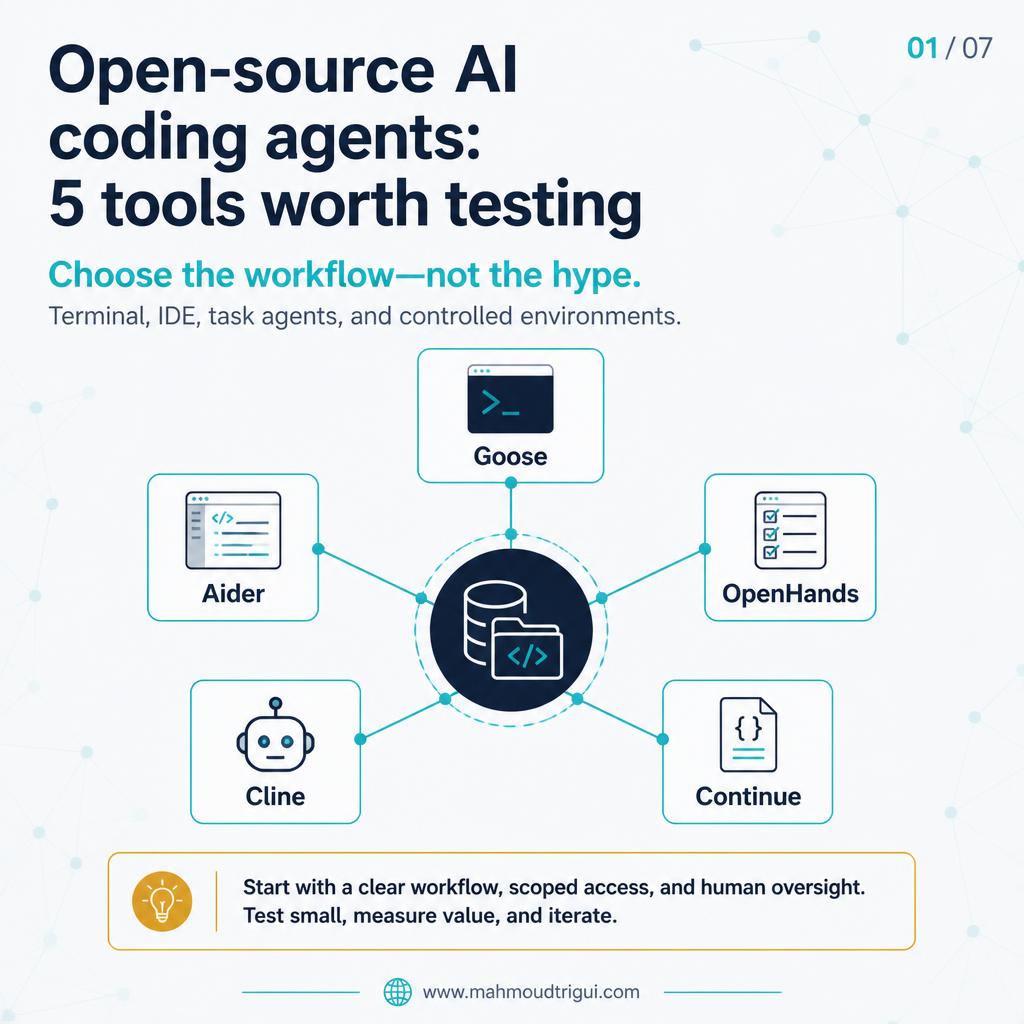
There is no single open-source coding agent that wins every situation. The right choice depends on how you work — and this post is a short comparison of five tools worth testing based on your workflow.
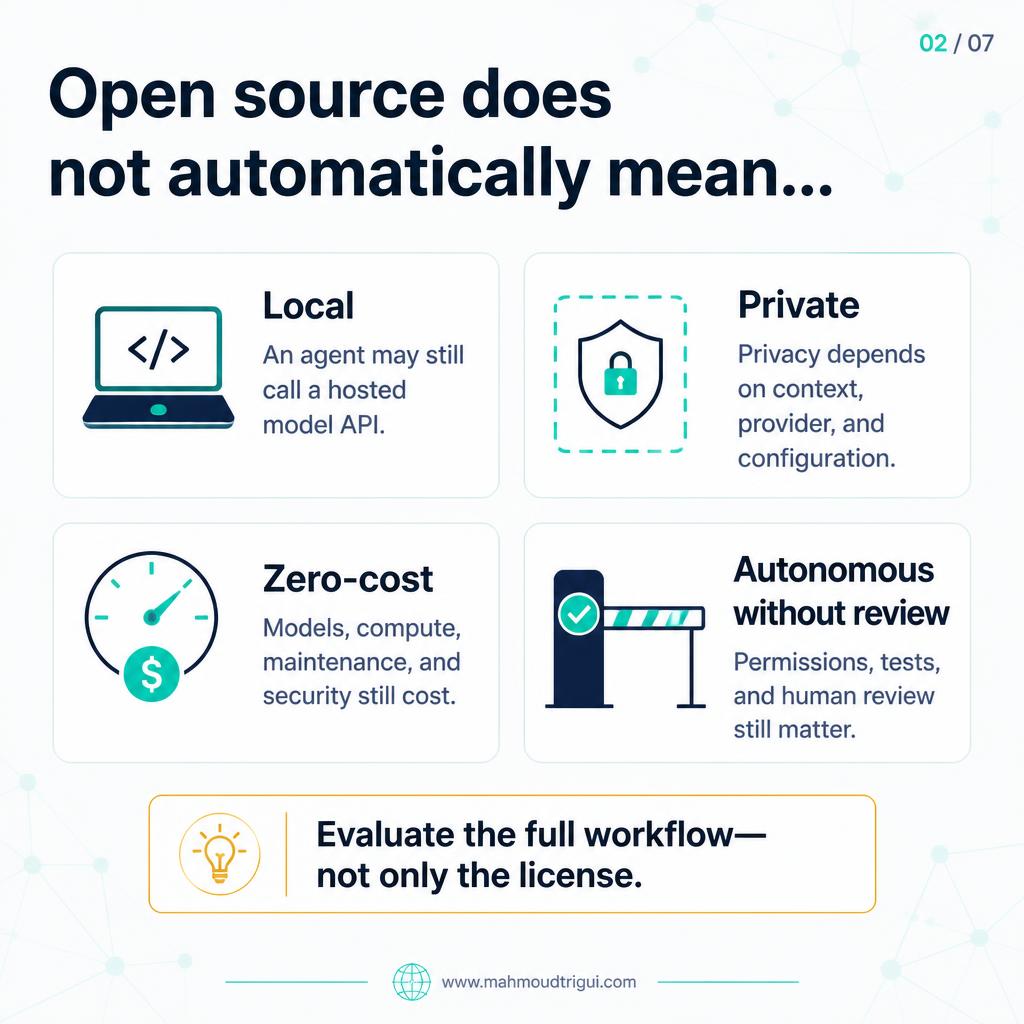
But first, an important distinction: open source does not automatically mean local, private, or free to operate. If an agent calls a hosted model API, your prompts and code context may still leave your environment. And even without a seat license, there may be costs for model inference, local or cloud compute, maintenance, security review, and infrastructure and observability.
Visual Summary
The Five Tools Worth Testing
Here are five open-source coding-agent tools worth testing, depending on how you work:
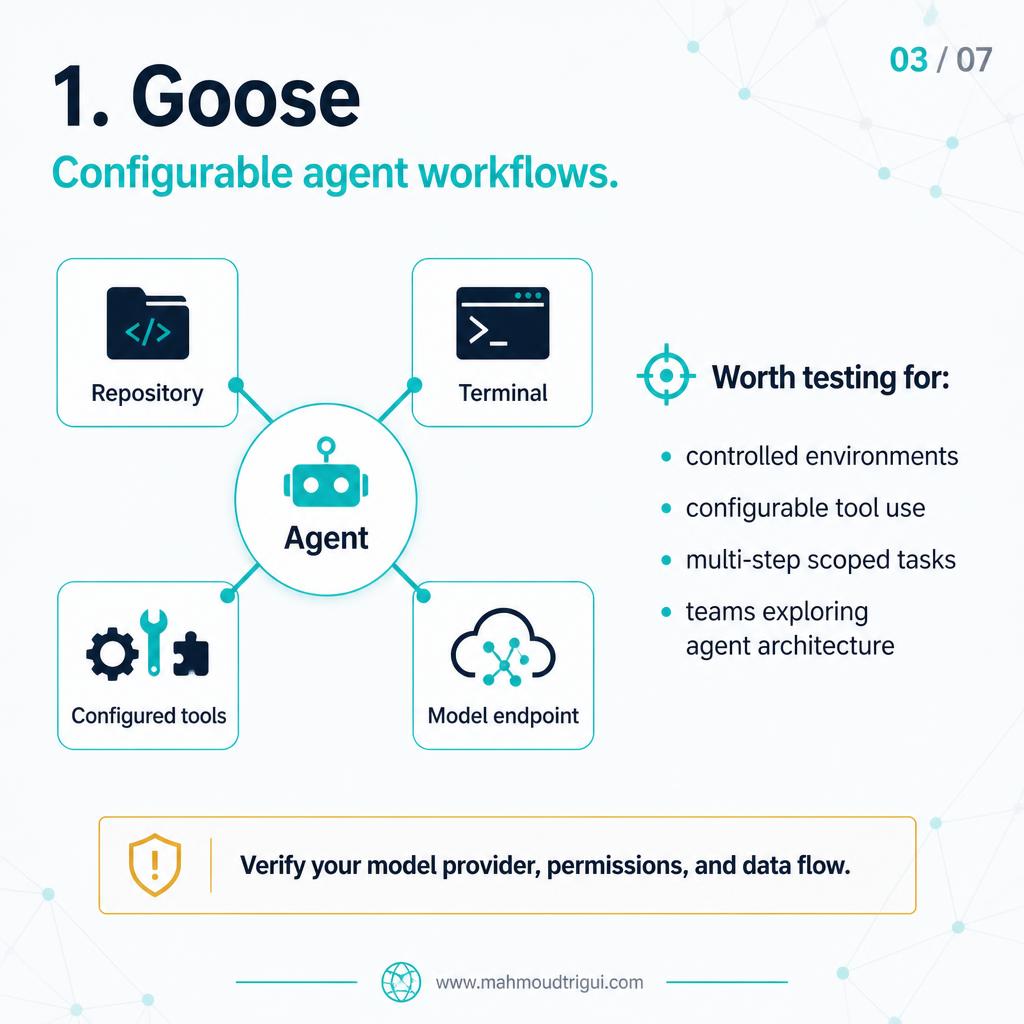
Goose
Useful for configurable agent workflows, tool use, and controlled environments.
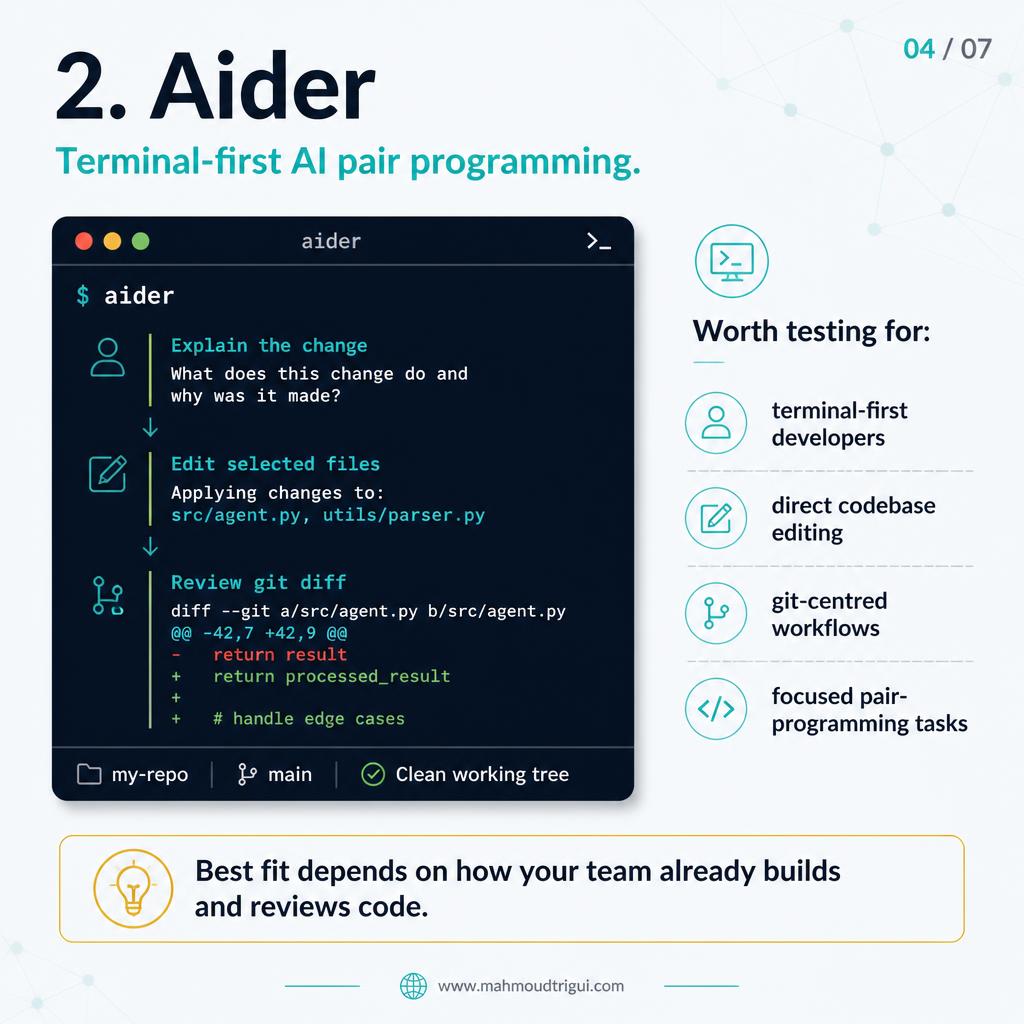
Aider
A strong option for developers who prefer terminal-first pair programming and direct codebase edits.
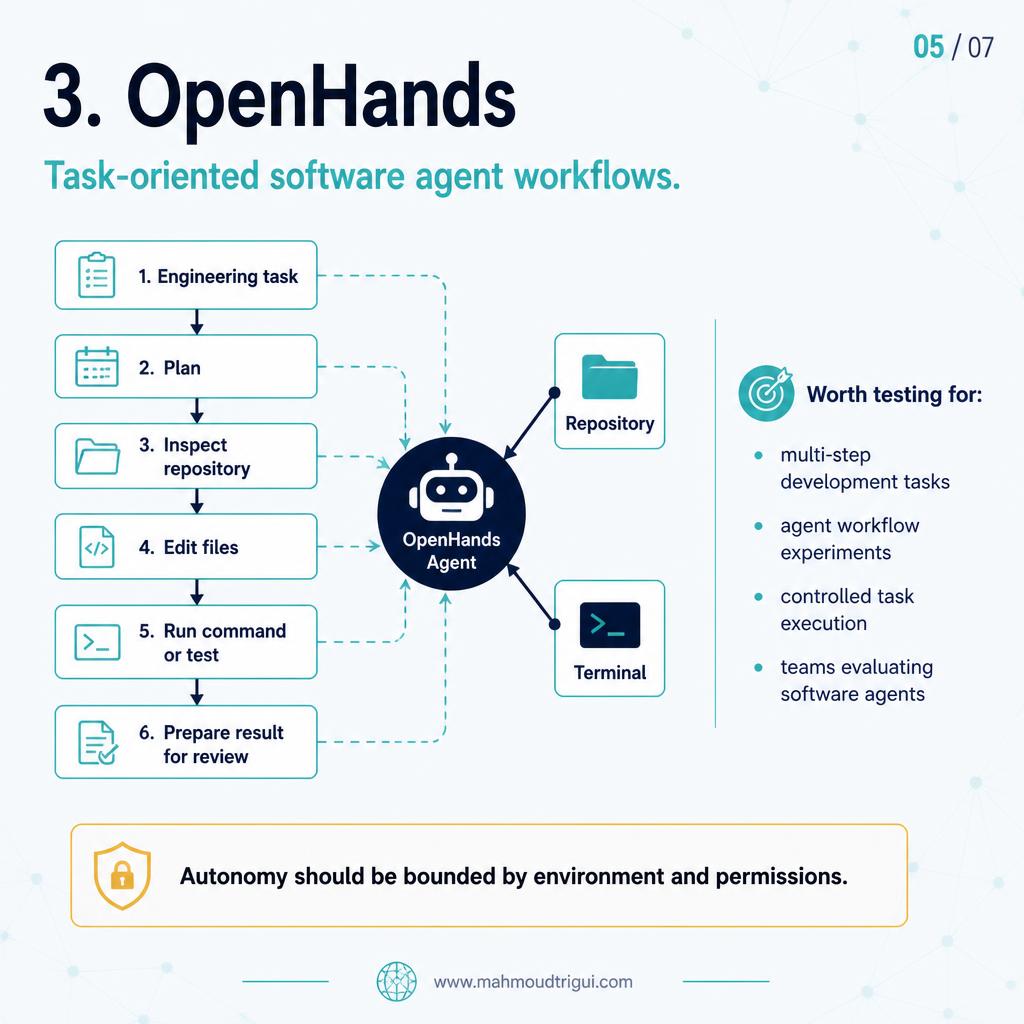
OpenHands
Worth exploring for task-oriented software agent workflows and multi-step engineering tasks.
Cline
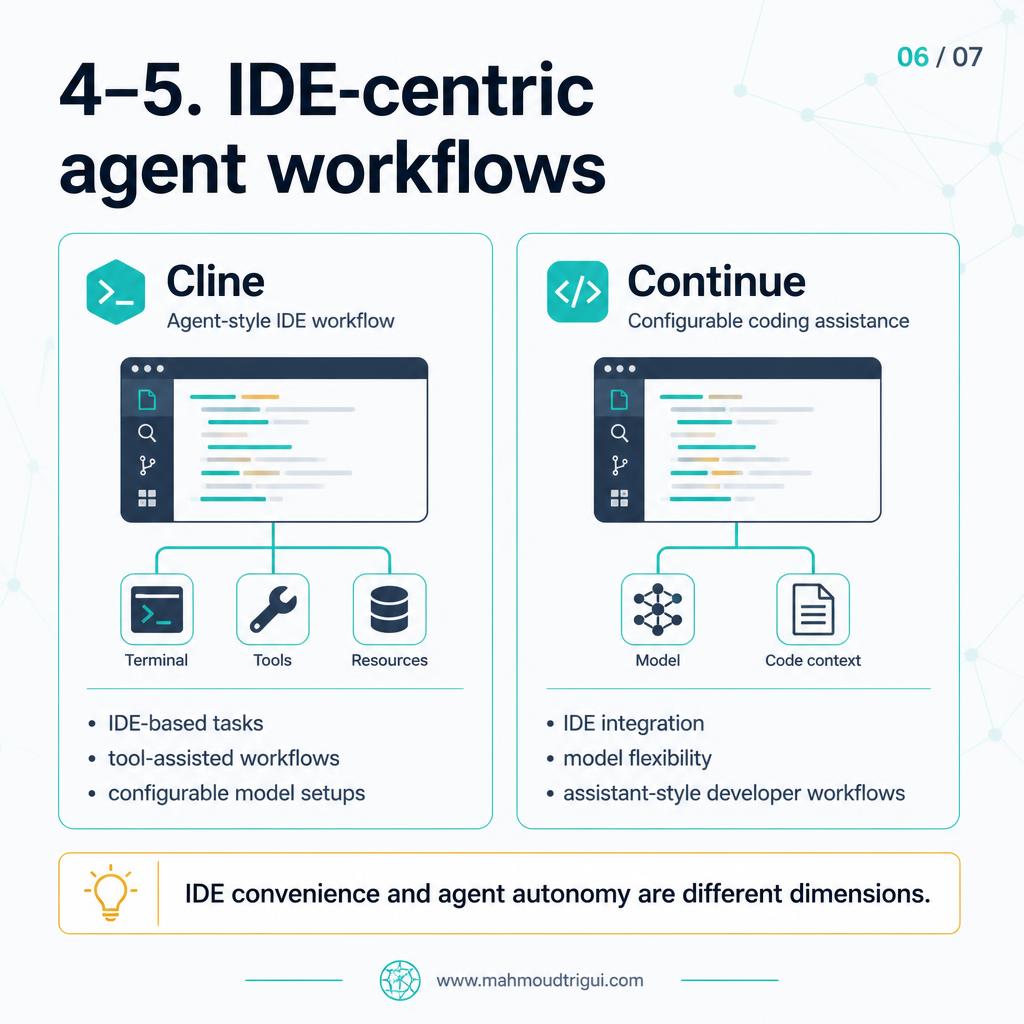
A practical IDE-centric agent workflow, especially for users who want tool use and model-provider flexibility.
Continue
Useful for configurable coding-assistant workflows, often centred around IDE integration and model choice.
Open Source Does Not Mean Private or Free
The important distinction: open source does not automatically mean local, private, or free to operate. If an agent calls a hosted model API, your prompts and code context may still leave your environment. And even without a seat license, there may be costs for:
- Model inference
- Local or cloud compute
- Maintenance
- Security review
- Infrastructure and observability
So do not choose based only on a feature list. Choose based on your workflow.
Choose Based on Your Workflow
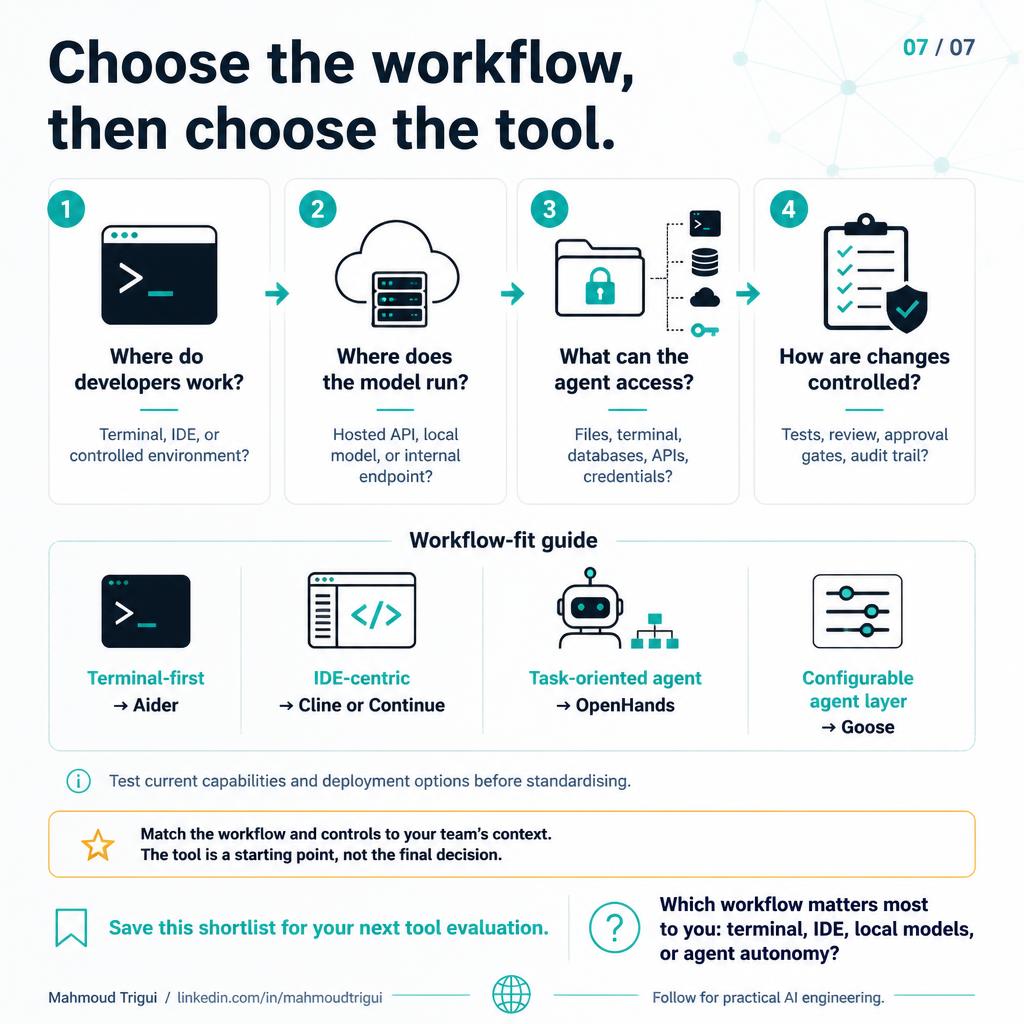
- Terminal-first coding? → Test Aider.
- IDE-based agent workflow? → Test Cline or Continue.
- Task-oriented software agents? → Test OpenHands.
- Configurable agent environments? → Test Goose.
The best setup is not necessarily the most autonomous one. It is the one that gives your team the right balance of capability, control, cost, and reviewability.
Key Takeaway
Design insight: No open-source coding agent wins every situation. The right one matches your workflow — Aider for terminal-first pair programming, Cline or Continue for IDE-centric work, OpenHands for task-oriented software agents, and Goose for configurable, controlled environments. And remember: open source is not the same as local, private, or free to operate — hosted API calls and compute costs still apply.
Related
SPARC: A Practical Checklist for AI Code Requests →Delegate Optuna Boilerplate to an AI Coding Assistant →TabPFN: a Pre-Trained Prior for Tabular ML →AI-Assisted Coding: Specification →If Your AI Coding Assistant Keeps Missing Your Standards →Rule vs Model vs LLM →Enterprise LLM Wrapper →LLM Image Classification →AI Replaced the Training Backlog →NLP Classification in 2018 vs LLMs Today →Stable vs Changing LLM Context → Not All AI Assistance Deserves Equal Trust →
FAQ
What is the key takeaway from "Open-Source AI Coding Agents: Which One Fits Your Workflow?"?
No open-source coding agent wins every situation. The right one matches your workflow — Aider for terminal-first pair programming, Cline or Continue for IDE-centric work, OpenHands for task-oriented software agents, and Goose for configurable, controlled environments. And remember: open source is not the same as local, private, or free to operate — hosted API calls and compute costs still apply.
Who wrote this and what is it about?
This was written by Mahmoud Trigui, Senior Data Scientist. Comparing 5 open-source coding agents — Aider, Cline, Continue, OpenHands, Goose — so you can pick by workflow: terminal-first, IDE-based, or task-oriented.